 Wordpress
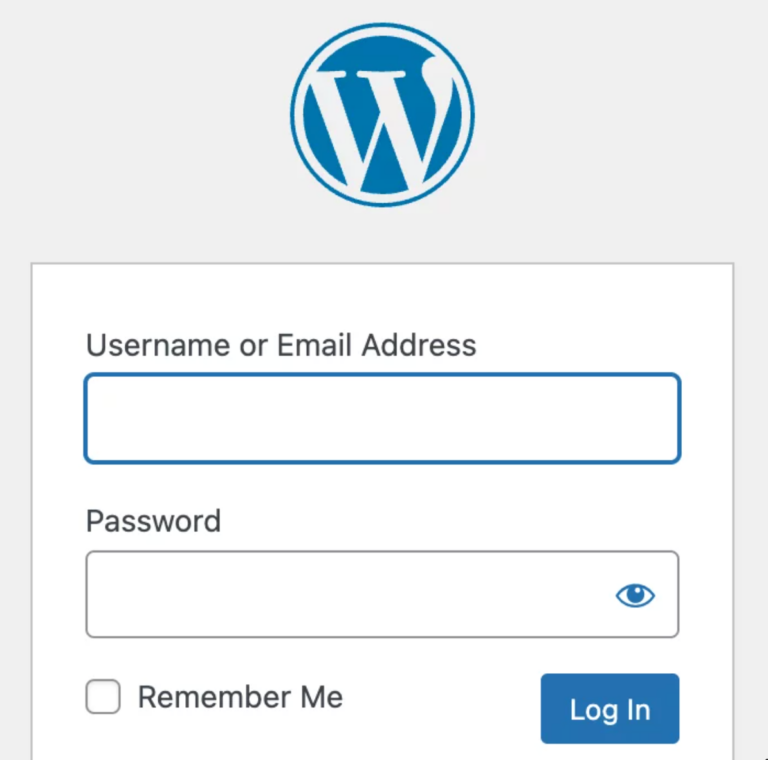
Changing the WordPress Login Logo without Using a Plug-in
Although there are numerous WordPress plugins that enable you to change your login logo (which defaults to the cute WordPress logo), you may prefer to...
Discover the world of WordPress with our expert articles and tutorials. From beginner guides to advanced tips and tricks, we’ve got everything you need to build and manage your own website. Whether you’re a blogger, entrepreneur, or developer, our WordPress category has something for everyone. Join us on this exciting journey and take your online presence to the next level!
8 篇文章 WordpressAlthough there are numerous WordPress plugins that enable you to change your login logo (which defaults to the cute WordPress logo), you may prefer to...
 IoT
IoTBefore installing WordPress on Raspberry Pi, you may want to know about its advantages and disadvantages. You can refer to the following post. https://www.ninniku.tw/advantages-and-disadvantages-of-installing-wordpress-on-your-raspberry-pi/ This...
 IoT
IoTLet's analyze the pros and cons of installing WordPress on Raspberry Pi and when it's a suitable option. Advantages: Cost-effective: Raspberry Pi is an affordable...
 Wordpress
You should use a persistent object cache performance Tools > Site Health: It has recommended improvements.A persistent object cache makes your site's database more efficient,...
 Wordpress
Here are the general steps to install WordPress on Ubuntu: Install LAMP stack: LAMP stands for Linux, Apache, MySQL, and PHP. These are the core...
WordpressTo replace the small WordPress icon, also known as the favicon, with your own, follow these steps: Prepare your custom icon: Create a square image...
登錄 Google Analytics,創建一個新帳戶或使用現有帳戶。 在 Google Analytics 中創建一個新的網站屬性,填寫網站 URL,並按照指示完成設置。 複製 Google Analytics 的跟蹤代碼。 登錄 WordPress 網站的後台管理系統,進入外觀 > 編輯器。 找到 functions.php 文件,並在檔案底部添加以下程式碼: add_action('wp_head', 'wpb_add_googleanalytics'); function wpb_add_googleanalytics() {...
MySQL Script #Create Database CREATE DATABASE mydatabase CHARACTER SET utf8 COLLATE utf8_general_ci; #Create New User CREATE USER 'newuser'@'localhost' IDENTIFIED BY 'password'; #Set Permission GRANT ALL...