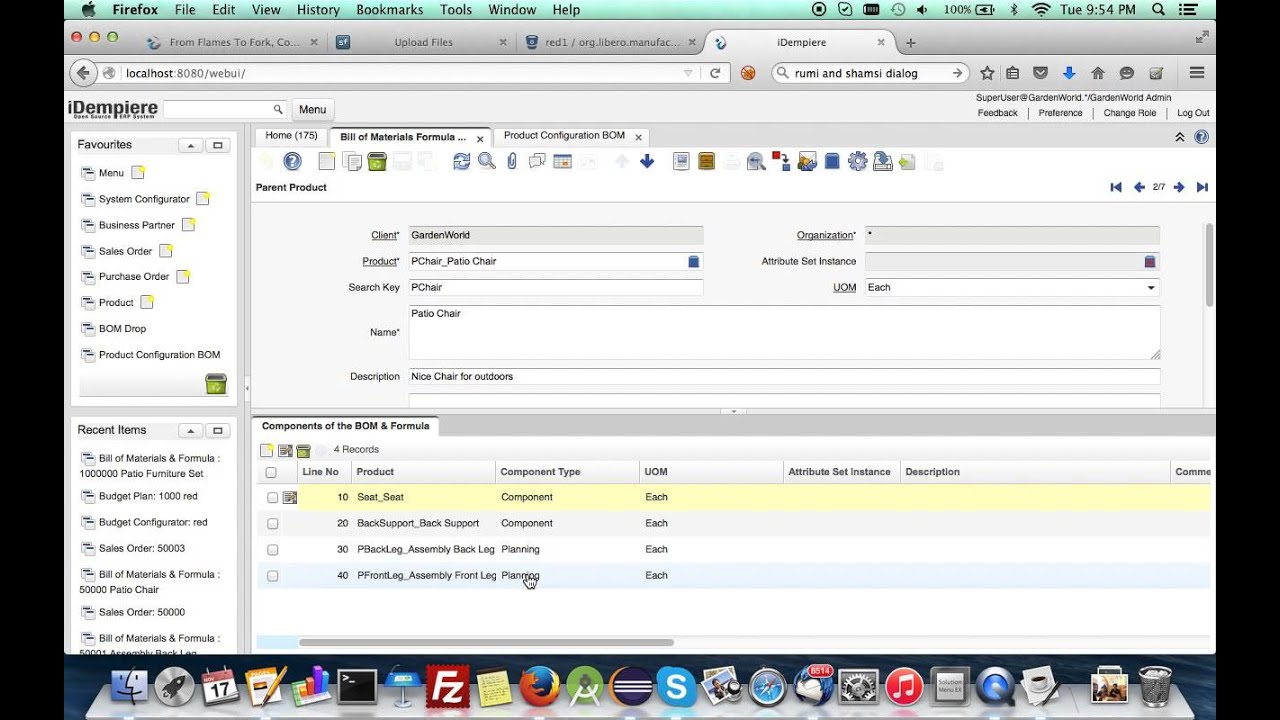
預設Detail 為 Form模式,在打訂單明細時會不方便。可以至後台的Wiedow / Tab 把Is Single Row 設為否。
或者直接下SQL將所有的UI Detail 都改成 Grid 模式
update ad_tab set issinglerow = 'N' where tablevel > 0 或下這個指令,全部預設為Grid. Master / Detail 全改掉
update ad_tab set issinglerow = 'N' 
English Version
The default Detail view is Form mode, which can be inconvenient when entering order line items. You can go to the backend Window / Tab settings and set “Is Single Row” to No.
Alternatively, run the following SQL to change all UI Detail views to Grid mode:
update ad_tab set issinglerow = 'N' where tablevel > 0 Or run this command to set Grid as the default for all views, including both Master and Detail:
update ad_tab set issinglerow = 'N' 日本語版
デフォルトではDetail画面がFormモードになっており、注文明細の入力時に不便です。バックエンドのWindow / Tab設定で「Is Single Row」をNoに変更できます。
または、以下のSQLを実行して、すべてのUI Detail画面をGridモードに変更することもできます:
update ad_tab set issinglerow = 'N' where tablevel > 0 または、以下のコマンドで全画面(Master / Detail両方)をGridモードに一括変更できます:
update ad_tab set issinglerow = 'N' 

