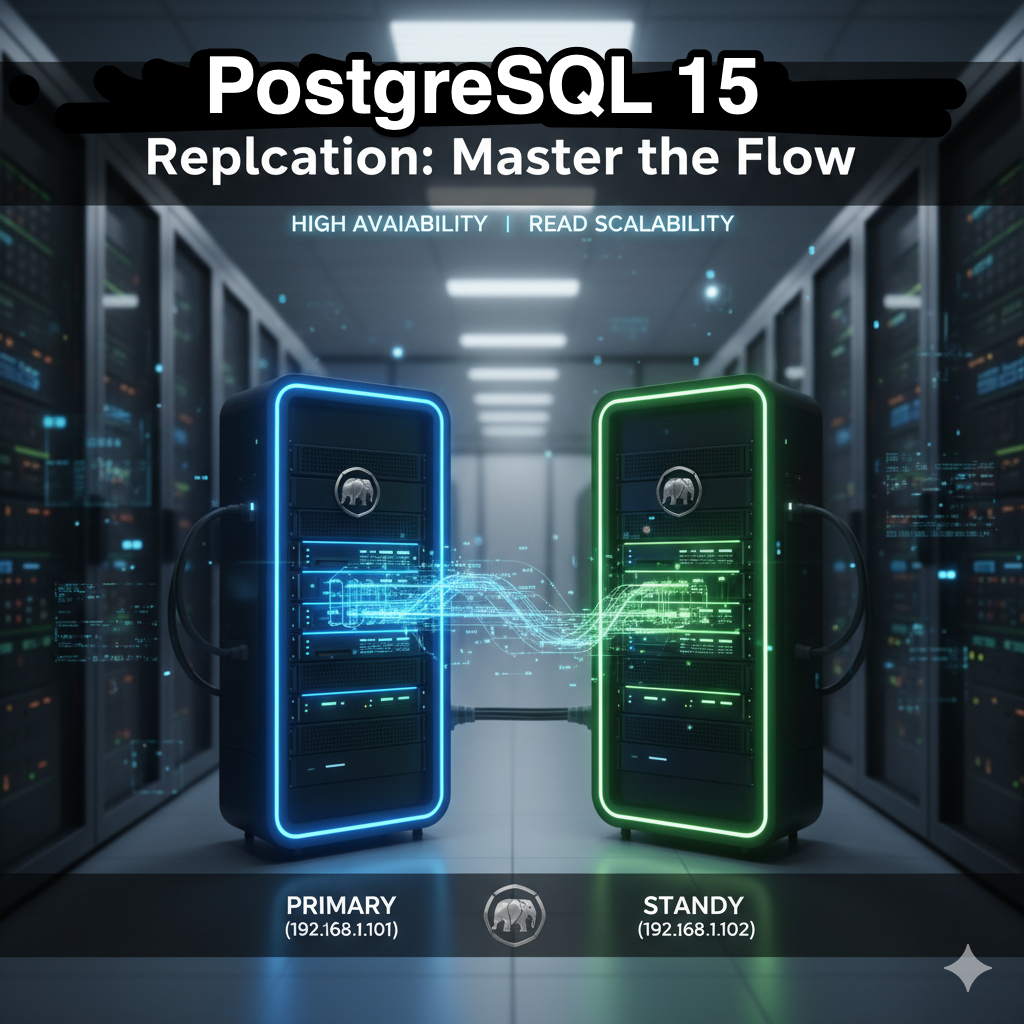
In the world of robust data management, high availability and read scalability are non-negotiables. PostgreSQL’s built-in streaming replication is the powerhouse feature that helps you achieve this. By setting up a Master-Slave (Primary-Standby) configuration, you ensure that every transaction on your primary server is streamed in real-time to one or more standby servers.
This guide walks you through setting up a fast, reliable streaming replication link between a PostgreSQL 15 Primary (Master) and Standby (Slave) server.
🛠️ Prerequisites
Before we start, you’ll need two separate servers with PostgreSQL 15 installed:
Primary Server: The server where all writes occur.
IP Example: 192.168.1.101
Standby Server: The read-only replica that receives changes from the primary.
IP Example: 192.168.1.102
You’ll also need administrative access (sudo or the postgres user) on both machines.
1. Primary Server Configuration
A. Create a Replication User
Connect to your primary server’s PostgreSQL instance (e.g., using psql) and create a dedicated user for replication. This user needs the REPLICATION privilege.
CREATE USER replicator WITH REPLICATION ENCRYPTED PASSWORD 'a_strong_password';B. Configure postgresql.conf
Edit the main configuration file, typically located in your data directory (e.g., /etc/postgresql/15/main/postgresql.conf).
| Parameter | Value | Purpose |
| listen_addresses | ‘*’ or ‘localhost,192.168.1.101’ | Allows connections from outside. |
| wal_level | replica | Ensures enough WAL information is logged for replication. |
| max_wal_senders | 5 or more | The max number of concurrent replication connections (set based on your number of standbys). |
C. Configure pg_hba.conf
Edit the host-based authentication file (pg_hba.conf) to allow the standby server to connect as a replication user.
Add a line like this, replacing the IP address with your standby’s IP:
# TYPE    DATABASE     USER       ADDRESS           METHOD
host    replication    replicator 192.168.1.102/32    scram-sha-256
D. Restart the Primary Server
You must restart the PostgreSQL service for these changes to take effect:
sudo systemctl restart postgresql2. Standby Server Initialization
The standby server needs an initial copy of the primary’s data directory. The pg_basebackup utility is the simplest way to do this.
A. Stop PostgreSQL on Standby
First, ensure the standby’s PostgreSQL service is stopped to clear the data directory for the backup.
sudo systemctl stop postgresqlB. Clear and Backup Data Directory
It’s critical that the standby’s data directory is empty before taking a base backup. Make sure you back up any existing data first!
Empty the data directory (e.g., /var/lib/postgresql/15/main/).
sudo rm -rf /var/lib/postgresql/15/main/*Take the base backup from the primary using the replicator user.
# Run this command on the Standby Server, replacing the IP/paths
sudo -u postgres pg_basebackup -h 192.168.1.101 -U replicator -D /var/lib/postgresql/15/main -Fp -Xs -R -P
Option Description
-h Primary server hostname/IP.
-U Replication user (replicator).
-D Target data directory on the standby.
-Fp Plain file format (default).
-Xs stream Enables streaming WAL during backup.
-R Crucial: Automatically creates the necessary standby.signal and postgresql.auto.conf files.
-P Reports progress.The -R flag in modern PostgreSQL (12+) automatically sets up the standby configuration by creating a standby.signal file and a primary_conninfo entry in postgresql.auto.conf inside the data directory.
C. Start the Standby Server
Now, start the PostgreSQL service on the standby. It will automatically detect the standby.signal file and begin connecting to the primary for replication.
sudo systemctl start postgresql3. Verification
To confirm replication is working, you can check both the primary and standby servers.
On the Primary Server
Check the pg_stat_replication view to see the standby connection.
SQL
psql -c "SELECT usename, client_addr, state, sync_state FROM pg_stat_replication;"You should see a row with usename as replicator, client_addr as the standby’s IP, and a state of streaming.
On the Standby Server
1. Check the Standby Status: Connect to the standby and check if it’s currently recovering (which means it’s receiving WAL).
SQL
psql -c "SELECT pg_is_in_recovery();"The result should be t (true).
2. Test Read-Only Status: Attempt a write operation on the standby–it should fail, confirming it’s a read-only replica.
SQL
psql -c "CREATE TABLE test_rep (id int);
— ERROR: cannot execute CREATE TABLE in a read-only transaction
3. Test Data Replication: Create a table or insert data on the Primary, then run a SELECT query on the Standby to confirm the new data exists. If the data is present, your streaming replication is live!
日本語版
堅牢なデータ管理の世界において、高可用性とリードスケーラビリティは譲れない要件です。PostgreSQLに内蔵されたストリーミングレプリケーションは、これを実現するための強力な機能です。マスター・スレーブ(プライマリ・スタンバイ)構成を設定することで、プライマリサーバー上のすべてのトランザクションが1台以上のスタンバイサーバーにリアルタイムでストリーミングされることを保証します。
このガイドでは、PostgreSQL 15のプライマリ(マスター)とスタンバイ(スレーブ)サーバー間で、高速で信頼性の高いストリーミングレプリケーション接続を構築する手順を説明します。
🛠️ 前提条件
始める前に、PostgreSQL 15がインストールされた2台の別々のサーバーが必要です:
プライマリサーバー:すべての書き込みが行われるサーバー。
IPアドレス例:192.168.1.101
スタンバイサーバー:プライマリからの変更を受信する読み取り専用レプリカ。
IPアドレス例:192.168.1.102
両方のマシンで管理者アクセス(sudoまたはpostgresユーザー)が必要です。
1. プライマリサーバーの設定
A. レプリケーションユーザーの作成
プライマリサーバーのPostgreSQLインスタンスに接続し(例:psqlを使用)、レプリケーション専用のユーザーを作成します。このユーザーにはREPLICATION権限が必要です。
CREATE USER replicator WITH REPLICATION ENCRYPTED PASSWORD 'a_strong_password';B. postgresql.confの設定
メイン設定ファイルを編集します。通常、データディレクトリ内に配置されています(例:/etc/postgresql/15/main/postgresql.conf)。
| パラメータ | 値 | 目的 |
| listen_addresses | ‘*’ または ‘localhost,192.168.1.101’ | 外部からの接続を許可します。 |
| wal_level | replica | レプリケーションに十分なWAL情報がログに記録されることを保証します。 |
| max_wal_senders | 5以上 | 同時レプリケーション接続の最大数(スタンバイの数に基づいて設定)。 |
C. pg_hba.confの設定
ホストベース認証ファイル(pg_hba.conf)を編集して、スタンバイサーバーがレプリケーションユーザーとして接続できるようにします。
以下のような行を追加し、IPアドレスをスタンバイのIPに置き換えてください:
# TYPE    DATABASE     USER       ADDRESS           METHOD
host    replication    replicator 192.168.1.102/32    scram-sha-256
D. プライマリサーバーの再起動
これらの変更を有効にするには、PostgreSQLサービスを再起動する必要があります:
sudo systemctl restart postgresql2. スタンバイサーバーの初期化
スタンバイサーバーには、プライマリのデータディレクトリの初期コピーが必要です。pg_basebackupユーティリティがこれを行う最も簡単な方法です。
A. スタンバイでPostgreSQLを停止
まず、バックアップ用にデータディレクトリをクリアするために、スタンバイのPostgreSQLサービスが停止していることを確認します。
sudo systemctl stop postgresqlB. データディレクトリのクリアとバックアップ
ベースバックアップを取得する前に、スタンバイのデータディレクトリが空であることが重要です。既存のデータを先にバックアップしてください!
データディレクトリを空にします(例:/var/lib/postgresql/15/main/)。
sudo rm -rf /var/lib/postgresql/15/main/*replicatorユーザーを使用してプライマリからベースバックアップを取得します。
# スタンバイサーバーでこのコマンドを実行し、IP/パスを置き換えてください
sudo -u postgres pg_basebackup -h 192.168.1.101 -U replicator -D /var/lib/postgresql/15/main -Fp -Xs -R -P
オプション 説明
-h プライマリサーバーのホスト名/IP。
-U レプリケーションユーザー(replicator)。
-D スタンバイのターゲットデータディレクトリ。
-Fp プレーンファイル形式(デフォルト)。
-Xs stream バックアップ中のWALストリーミングを有効にする。
-R 重要:必要なstandby.signalファイルとpostgresql.auto.confファイルを自動的に作成する。
-P 進捗状況を報告する。モダンなPostgreSQL(12以降)の-Rフラグは、データディレクトリ内にstandby.signalファイルとpostgresql.auto.conf内のprimary_conninfoエントリを作成することで、スタンバイ構成を自動的に設定します。
C. スタンバイサーバーの起動
スタンバイでPostgreSQLサービスを起動します。standby.signalファイルを自動的に検出し、レプリケーションのためにプライマリへの接続を開始します。
sudo systemctl start postgresql3. 検証
レプリケーションが動作していることを確認するには、プライマリとスタンバイの両方のサーバーを確認します。
プライマリサーバーで確認
pg_stat_replicationビューでスタンバイの接続状況を確認します。
SQL
psql -c "SELECT usename, client_addr, state, sync_state FROM pg_stat_replication;"usenameがreplicator、client_addrがスタンバイのIP、stateがstreamingの行が表示されるはずです。
スタンバイサーバーで確認
1. スタンバイステータスの確認: スタンバイに接続し、現在リカバリ中かどうか(WALを受信中であることを意味する)を確認します。
SQL
psql -c "SELECT pg_is_in_recovery();"結果はt(true)であるべきです。
2. 読み取り専用ステータスのテスト: スタンバイで書き込み操作を試みます。読み取り専用レプリカであることを確認するために、失敗するはずです。
SQL
psql -c "CREATE TABLE test_rep (id int);
— ERROR: cannot execute CREATE TABLE in a read-only transaction
3. データレプリケーションのテスト:プライマリでテーブルを作成するかデータを挿入し、スタンバイでSELECTクエリを実行して新しいデータが存在することを確認します。データが存在すれば、ストリーミングレプリケーションは稼働中です!