課程簡介:
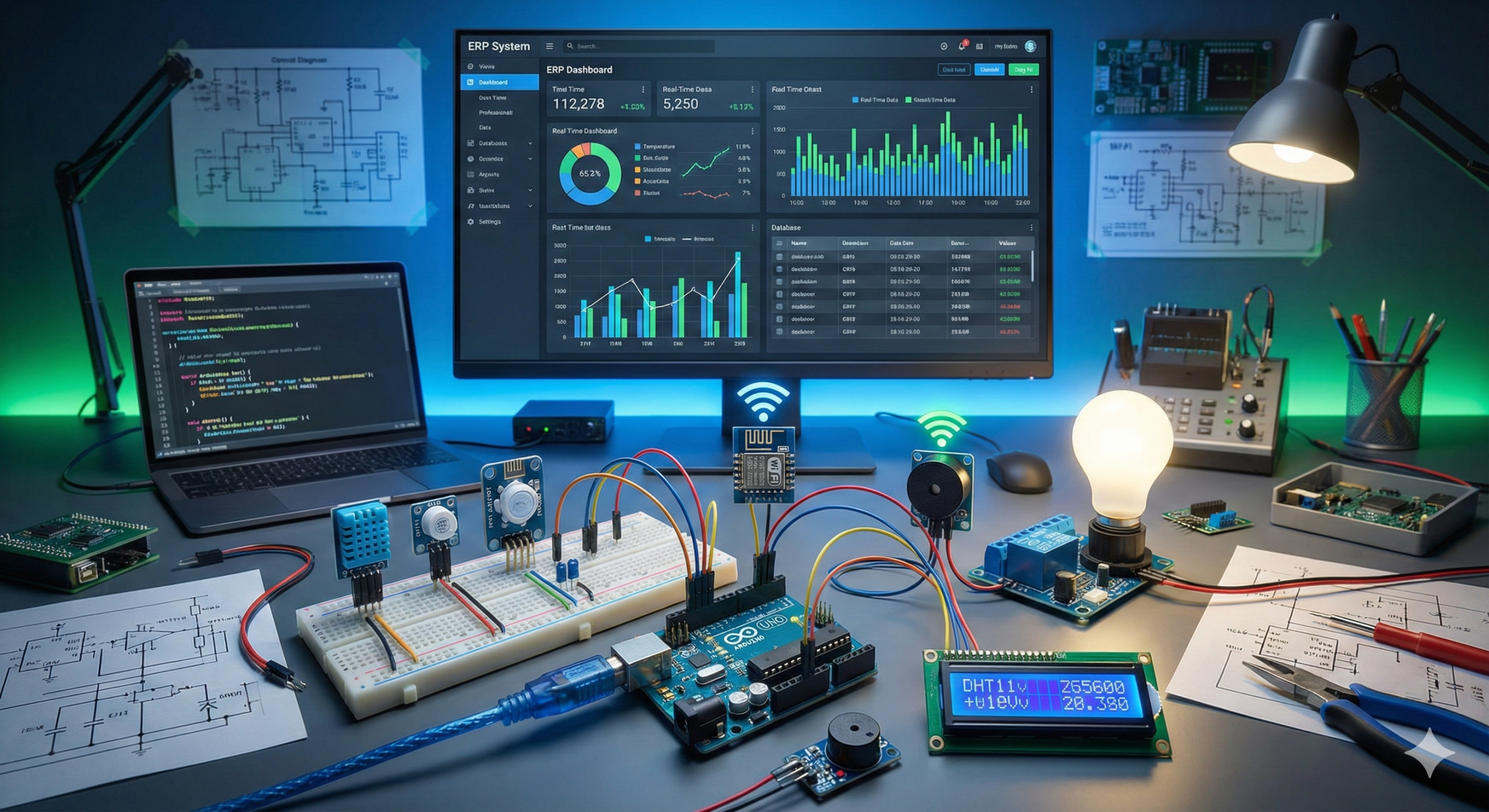
本課程將帶領學員從零開始學習 Arduino 與 IoT 物聯網技術的應用,透過實作練習完成多個專案,最終將所有感測器資料整合儲存至 iDempiere ERP 系統。
- Arduino 入門:認識 Arduino 是什麼、運作原理,以及它能做到哪些事情。
- Arduino 環境建置:介紹 Arduino 硬體、軟體,以及開發環境的安裝與設定。
- Arduino 程式設計:學習 Arduino 程式語法、控制結構與基本資料型別。
- 感測器與致動器連接:了解如何將各種感測器與致動器接上 Arduino,並進行資料讀取與控制。
- 電子學基礎:介紹電阻、電容、LED、感測器等專案所需的基本電子零件。
- 物聯網(IoT)概論:說明 IoT 的概念與運作方式,以及如何用 Arduino 監控與操控 IoT 裝置。
- 實作專案:學員親手打造 Arduino IoT 裝置,並使用 iDempiere ERP 儲存與分析資料。
- 溫濕度監控:將溫濕度感測器連接 Arduino,讀取資料並顯示於 LCD 螢幕,或傳送至伺服器儲存與分析。
- 水流量監控:將水流感測器連接 Arduino,測量水流速度,並將資料傳送至伺服器進行分析與視覺化。
- 繼電器控制:使用連接 Arduino 的繼電器來控制交流或直流負載,例如燈泡或馬達。
- 警報器控制:將警報器連接 Arduino,根據特定條件(如高溫或漏水)自動觸發警報。
- iDempiere ERP 整合:在 iDempiere ERP 中建立資料庫與資料表,開發程式將 Arduino 感測器資料自動寫入資料庫。
English Version
Course Introduction:
This course will lead students to learn the application of Arduino and IoT technology from scratch, complete multiple practical projects through exercises, and finally store all the data in iDempiere ERP.
- Introduction to Arduino: Overview of what Arduino is, how it works, and what it can do.
- Getting started with Arduino: Explanation of Arduino hardware, software, and how to set up the development environment.
- Programming with Arduino: Introduction to programming with Arduino, including syntax, control structures, and basic data types.
- Connecting sensors and actuators: Overview of how to connect sensors and actuators to Arduino and how to read and control them.
- Basics of Electronics: Introduction to resistors, capacitors, LEDs, sensors, and basic electronic components needed for the projects.
- Internet of Things (IoT): Explanation of IoT, how it works, and how Arduino can be used to monitor and control IoT devices.
- Practical application: A hands-on project in which students build and program an Arduino-based IoT device and use iDempiere ERP to store and analyze data.
- Temperature and Humidity Monitoring: How to connect a temperature and humidity sensor to the Arduino, read data from the sensor, and display the data on an LCD screen or send it to a server for storage and analysis.
- Water Flow Monitoring: How to connect a water flow sensor to the Arduino, measure the flow rate of water, and send the data to a server for analysis and visualization.
- Relay Control: How to control an AC or DC load, such as a lamp or a motor, using a relay connected to the Arduino.
- Siren Control: How to connect a siren to the Arduino and trigger it based on certain conditions or events, such as a high temperature or water leakage.
- Integration with iDempiere ERP: How to set up a database in iDempiere ERP, create tables to store sensor data, and develop a script to send the data from the Arduino to the database.
日本語版
コース紹介:
このコースでは、ArduinoとIoT技術の応用をゼロから学び、演習を通じて複数の実践プロジェクトを完成させ、最終的にすべてのデータをiDempiere ERPに保存します。
- Arduino入門:Arduinoとは何か、どのように動作するか、何ができるかの概要。
- Arduinoを始めよう:Arduinoのハードウェア、ソフトウェア、および開発環境のセットアップ方法の説明。
- Arduinoプログラミング:構文、制御構造、基本データ型を含むArduinoプログラミングの入門。
- センサーとアクチュエータの接続:Arduinoへのセンサーとアクチュエータの接続方法、およびそれらの読み取りと制御方法の概要。
- 電子工学の基礎:抵抗器、コンデンサ、LED、センサー、およびプロジェクトに必要な基本的な電子部品の紹介。
- モノのインターネット(IoT):IoTの説明、その仕組み、およびArduinoを使用してIoTデバイスを監視・制御する方法。
- 実践アプリケーション:学生がArduinoベースのIoTデバイスを構築・プログラミングし、iDempiere ERPを使用してデータを保存・分析するハンズオンプロジェクト。
- 温湿度モニタリング:Arduinoに温湿度センサーを接続し、センサーからデータを読み取り、LCD画面に表示したり、保存と分析のためにサーバーに送信する方法。
- 水流モニタリング:Arduinoに水流センサーを接続し、水の流量を測定し、分析と可視化のためにデータをサーバーに送信する方法。
- リレー制御:Arduinoに接続したリレーを使用して、ランプやモーターなどのACまたはDC負荷を制御する方法。
- サイレン制御:Arduinoにサイレンを接続し、高温や漏水などの特定の条件やイベントに基づいてトリガーする方法。
- iDempiere ERPとの統合:iDempiere ERPでデータベースをセットアップし、センサーデータを保存するテーブルを作成し、Arduinoからデータベースにデータを送信するスクリプトを開発する方法。